 Scratchy

Smart Clean
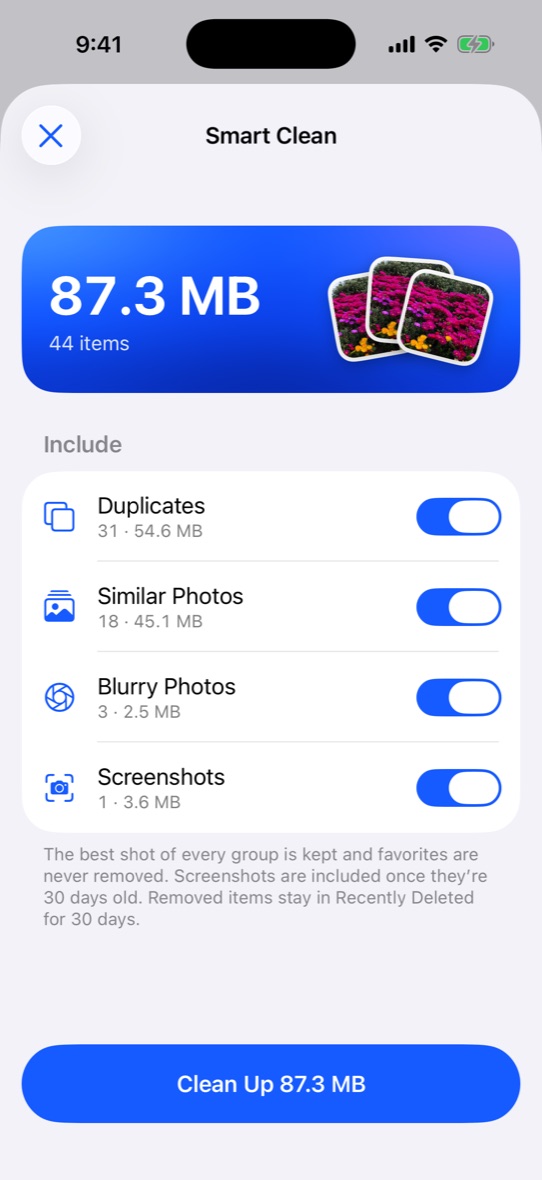
One tap clears duplicates, near-identical shots, bursts, blurry and accidental photos. The best shot of every group always stays.
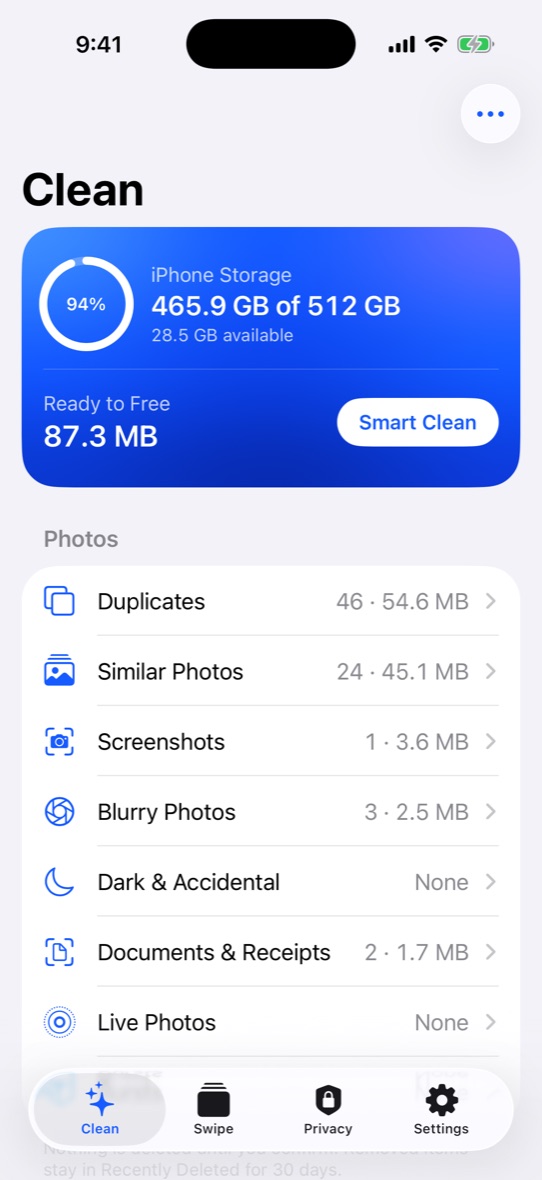
Scratchy finds duplicates, similar shots, blurry photos and giant videos, then keeps the best of every moment. All of it happens privately, right on your iPhone.
Free to download. Requires iOS 26.
One app for the photos you don’t need, the videos that eat your storage and the privacy settings you keep putting off.
One tap clears duplicates, near-identical shots, bursts, blurry and accidental photos. The best shot of every group always stays.
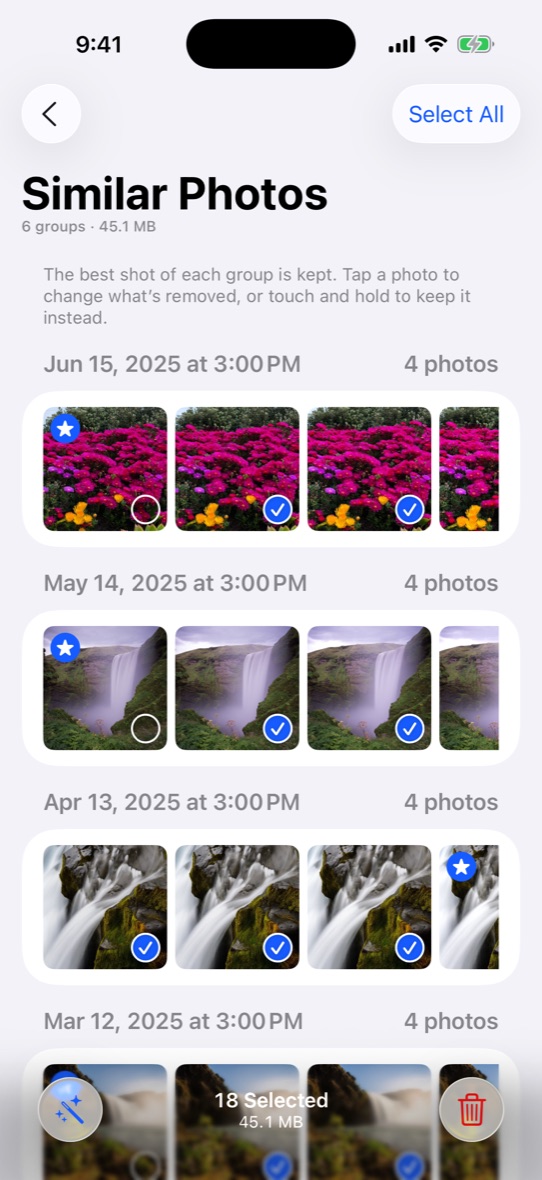
Similar photos are grouped and the sharpest, best-exposed one is picked for you. Change the pick with a tap.
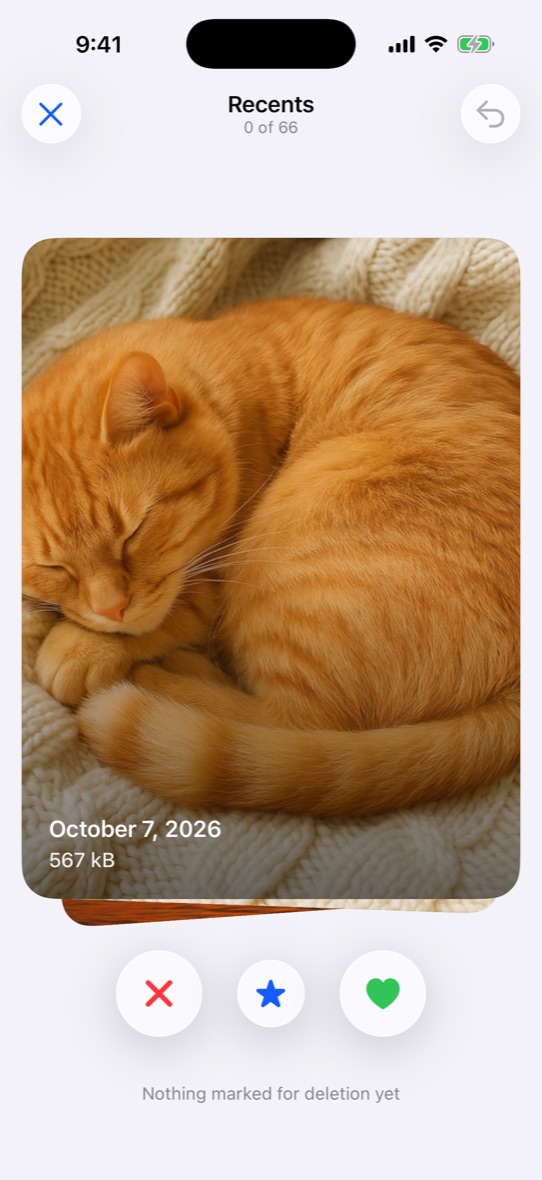
Go through your library month by month: left to delete, right to keep, up to favorite. Nothing goes until you confirm.
Re-encode videos with HEVC and turn Live Photos into stills, keeping the date and location. Often half the size.
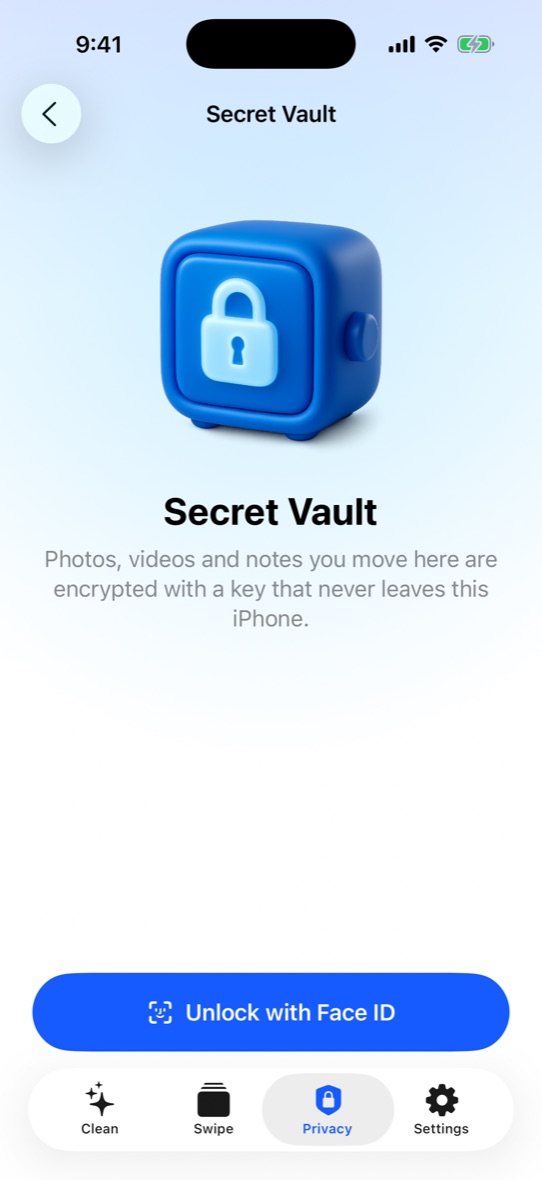
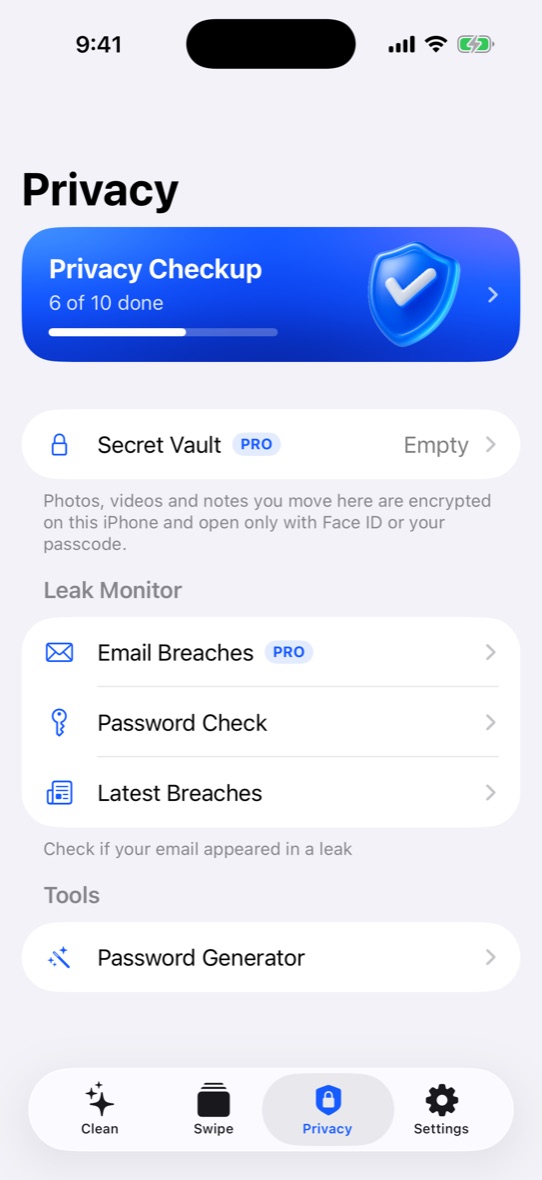
Hide photos, videos and notes in an encrypted vault that opens only with Face ID. The key never leaves your iPhone.
Check emails and passwords against known data breaches, generate strong passwords and run a privacy checkup.
Plus: merge duplicate contacts, clear out old calendar events and see exactly what fills your storage.
Scratchy analyzes your library on device using Apple’s own frameworks. It usually takes a minute.
See what it found, category by category. Favorites are protected and never pre-selected.
Confirm, and the space is yours. Removed items stay in Recently Deleted for 30 days, just in case.
Native, fast and familiar, with nothing in your way.
Scratchy analyzes your library with Apple’s on-device frameworks. Your photos, videos, contacts and calendar are not uploaded anywhere, and we never see them.
Scanning and cleaning by category are free. Pro unlocks the rest.
Weekly or monthly subscription, billed through your Apple Account, with a free trial where offered. Cancel anytime in Settings. See the Terms of Use.
No. Every photo and video is analyzed on your iPhone, and nothing from your library is sent to us or anyone else.
Yes, for 30 days. Scratchy moves items to Recently Deleted in the Photos app, where you can recover them. Empty that album when you want the space back right away.
Open Settings on your iPhone, tap your name, then Subscriptions, choose Scratchy and tap Cancel Subscription. Deleting the app doesn’t cancel it.